ZenStudy Pro 1.0.1
Master your focus with ZenStudy Pro 2.0—the Noir deep-work timer.
What is ZenStudy Pro?
ZenStudy Pro is a Windows deep-work timer and focus environment for students, developers, and creators who want distraction-free sessions. It is listed as a free, proprietary download distributed as a ZIP file.
Best for: students, developers, and creators who want a distraction-free deep-work timer on Windows.
- Latest version: 1.0.1 (2026-01-25)
- Price: Free
- Platform: Windows
- Size: 131.55 MB
ZenStudy Pro technical details
| Version | 1.0.1 |
|---|---|
| Updated | 2026-01-25 |
| Developer | Organization-admnkwt1133-netizen |
| Category | Gaming Tools |
| License | Proprietary |
| Pricing | Free |
| File size | 131.55 MB |
| File type | ZIP |
| Operating system | Windows |
| Languages | English |
| Content rating | +3 |
SHA-256 (latest file): 1916736128dd3db8b081f8624425b219884c18324da8355d034cd02fb2e09235
Facts verified 2026-10-31 from the official listing. APPDIR does not host installer files; downloads open the publisher's or store's official page.
ZenStudy Pro review
ZenStudy Pro is presented as a dedicated workspace for deep work rather than a simple countdown timer. It targets students, developers, and creators who want a distraction-free desktop environment. The listing describes a Noir aesthetic and intelligent tracking as part of its version 2.0 overhaul.
The software is available for Windows only and is distributed as a ZIP archive. It is listed as free and proprietary, with English language support and a content rating of +3. The listed file size is 131.55 MB, and the release date is January 26, 2026. Users should verify system compatibility before installing because permissions are listed as not applicable.
Known alternatives in the directory include DLSS 5 Swapper, PS Remote Play, Script Hook V, DS4Windows, Roblox Studio, and TLauncher, though these serve different purposes. ZenStudy Pro's focus is productivity rather than gaming utilities or remote play. Its value depends on whether a Noir-themed timer fits your workflow.
Key features
- Deep-work timer environment
- Noir aesthetic
- Intelligent tracking
- Distraction-free workspace
- Windows desktop app
Pros
- Free to download
- Focused on productivity
- Includes tracking features
Cons
- Windows only
- No rating or download count available
ZenStudy Pro screenshots
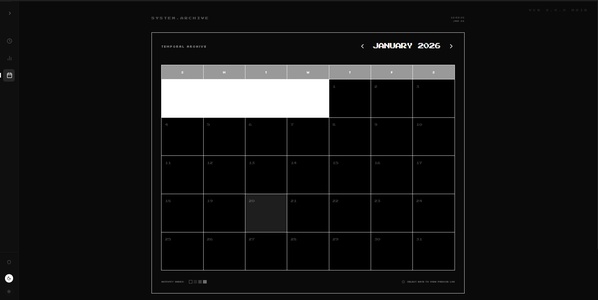
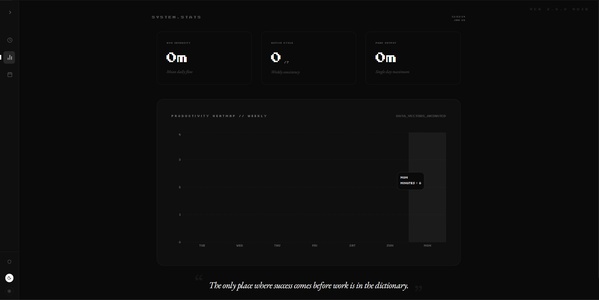
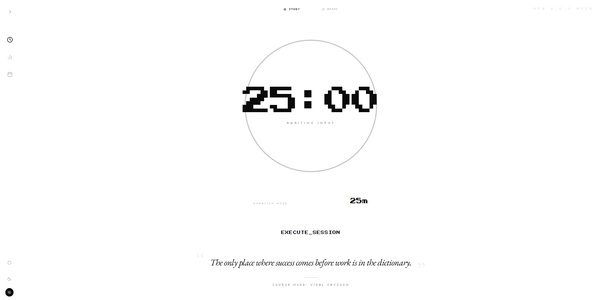
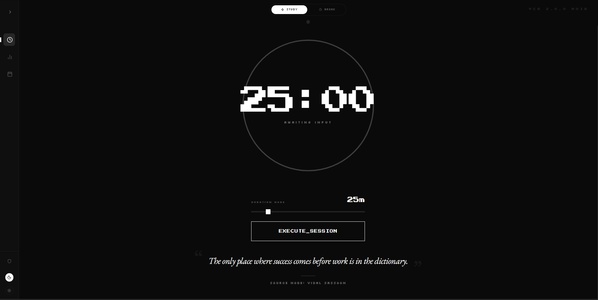
How to download and install ZenStudy Pro on Windows
- Open the ZenStudy Pro download page on APPDIR.
- Choose the official publisher or store link and download the ZIP file.
- Run the installer and follow the setup wizard. Windows SmartScreen may ask you to confirm the publisher.
- Review the requested permissions and only grant what you need.
Is ZenStudy Pro safe?
APPDIR lists metadata and links to official sources only; we never re-host or modify installer files. Compare the SHA-256 hash above with the file you download to confirm it is untouched. The content rating is +3. See our security policy for how listings are checked.
Alternatives to ZenStudy Pro
vJoy

reaConverter Pro
iWhere iPhone Location Changer
iCEnhancer
ZenStudy Pro FAQ
What does ZenStudy Pro do?
It provides a dedicated deep-work timer environment with a Noir aesthetic and intelligent tracking.
How much does it cost?
It is a free download with a proprietary license.
Is it safe, and what permissions does it need?
Permissions are listed as not applicable; download from a trusted source and scan the ZIP before installing.
What are the system requirements?
It is for Windows, distributed as a 131.55 MB ZIP file, and supports English.
What are some alternatives?
The directory lists DLSS 5 Swapper, PS Remote Play, Script Hook V, DS4Windows, Roblox Studio, and TLauncher, though they serve different purposes.