Ymir 0.4.1
A powerful and lightweight Sega Saturn emulator
What is Ymir?
Ymir is a free, lightweight Sega Saturn emulator for Windows created by developer StrikerX3. It is aimed at players who want to run Saturn games on a PC with minimal setup and modern conveniences.
Best for: Windows users who want a free, modern way to play Sega Saturn games on a PC with minimal setup.
- Latest version: 0.4.1 (2026-10-22)
- Price: Free
- Platform: Windows
- Size: 19.3 MB
Ymir technical details
| Version | 0.4.1 |
|---|---|
| Updated | 2026-10-22 |
| Developer | StrikerX3 |
| Category | Emulators |
| License | GPL 3.0 |
| Pricing | Free |
| File size | 19.3 MB |
| File type | ZIP |
| Operating system | Windows |
| Languages | English 47 more |
| Content rating | All ages |
SHA-256 (latest file): bc6eceeb8aab17225c3bc911a28cef8261d6e7a988f415e5d7e6b46d1059e3d4
Facts verified 2026-10-31 from the official listing. APPDIR does not host installer files; downloads open the publisher's or store's official page.
Ymir review
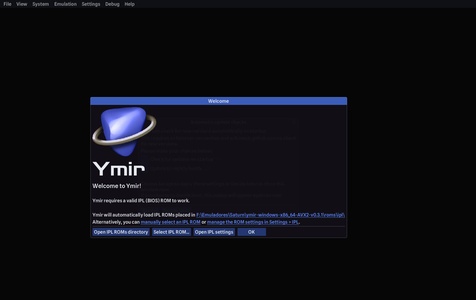
Ymir is a Sega Saturn emulator distributed as a portable ZIP archive, so there is no installer to run. You unpack the compressed file into any folder and point the emulator at an IPL file, the Saturn BIOS image, after which it handles the rest of the startup process. The project is written by StrikerX3 and released under the GPL 3.0 license, with version 0.4.1 dated Oct 23, 2026.
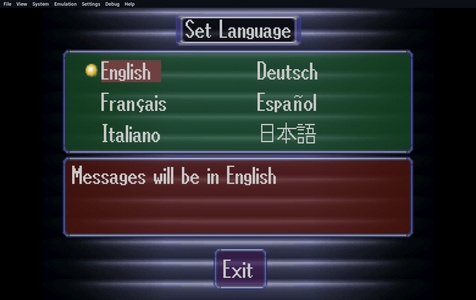
Compared with older Saturn emulators such as Yabause, which served as the reference option for years, Ymir is a more recent codebase that adds features and quality-of-life improvements for everyday play. It can switch regions automatically based on the game being loaded, moving between NTSC and PAL as needed, which removes a common manual step. The interface and documentation are available in English and dozens of additional languages.
The download is a 19.3 MB ZIP file, and the emulator is free to use. It carries an all-ages content rating, and no special permissions apply because it runs as a desktop program rather than a mobile app. Users supply their own BIOS file and game images, so the software itself ships without copyrighted system data.
Key features
- Portable ZIP package that runs without installation
- Requires only a Sega Saturn IPL/BIOS file to get started
- Automatic region switching between NTSC and PAL based on the loaded game
- Modern codebase with quality-of-life improvements over older Saturn emulators
- Available in English and 47 additional languages
Pros
- Free and open source under the GPL 3.0 license
- No installation needed; unpack and configure the BIOS
- Handles region changes automatically, reducing manual setup
Cons
- Users must obtain a Saturn BIOS file and game images themselves
- Windows-only, so other platforms are not supported
Ymir screenshots
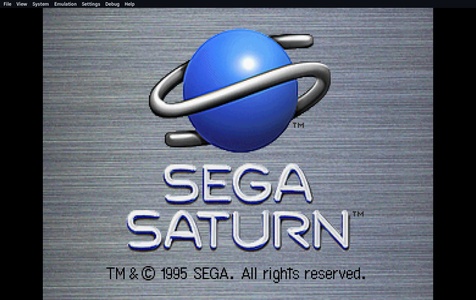
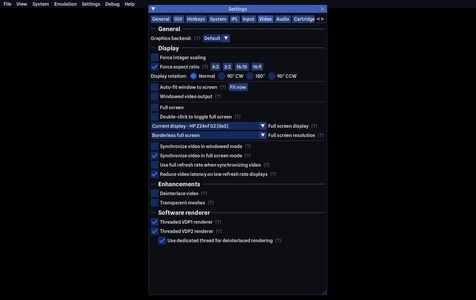
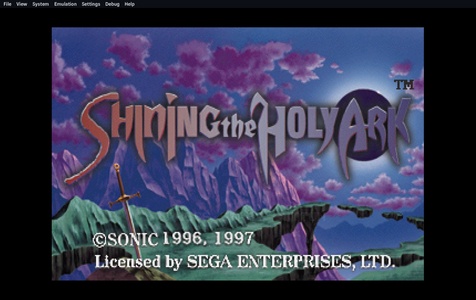
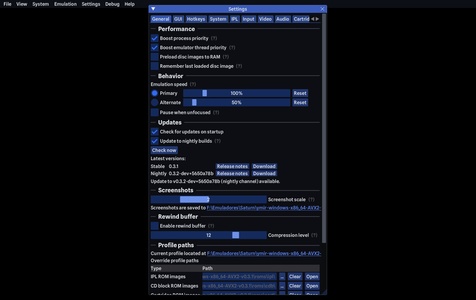
How to download and install Ymir on Windows
- Open the Ymir download page on APPDIR.
- Choose the official publisher or store link and download the ZIP file.
- Run the installer and follow the setup wizard. Windows SmartScreen may ask you to confirm the publisher.
- Review the requested permissions and only grant what you need.
Is Ymir safe?
APPDIR lists metadata and links to official sources only; we never re-host or modify installer files. Compare the SHA-256 hash above with the file you download to confirm it is untouched. The content rating is All ages. See our security policy for how listings are checked.
Alternatives to Ymir
touchHLE
shadPS4

Ymir FAQ
What does Ymir do?
Ymir is a Sega Saturn emulator for Windows. It lets you run Saturn games on a PC after supplying a BIOS file and game images.
Is Ymir free?
Yes. Ymir is free to download and is distributed under the GPL 3.0 open-source license.
Is Ymir safe, and what permissions does it need?
It is a desktop program that runs from an unpacked folder, and no app permissions apply. As with any emulator, download it from a trusted source and scan the archive before use.
What are the system requirements?
Ymir runs on Windows and is delivered as a 19.3 MB ZIP file. A Sega Saturn IPL/BIOS file is required to start it, and game images must be provided separately.
Are there alternatives to Ymir?
Yes. Other options include the older Yabause emulator, PCSX2 and PPSSPP for other consoles, and Android-focused players such as BlueStacks, GameLoop, LDPlayer and MEmu.